Original aQWERTYon
Start with the musical keyboard and explore its sounds.
Open the original instrument ↗MusEDLab / Active tool
Your keyboard is an instrument.
Explore melodies, chords and scales using the computer keyboard in front of you. Start with a few keys, then find a phrase of your own.
Play aQWERTYon ↗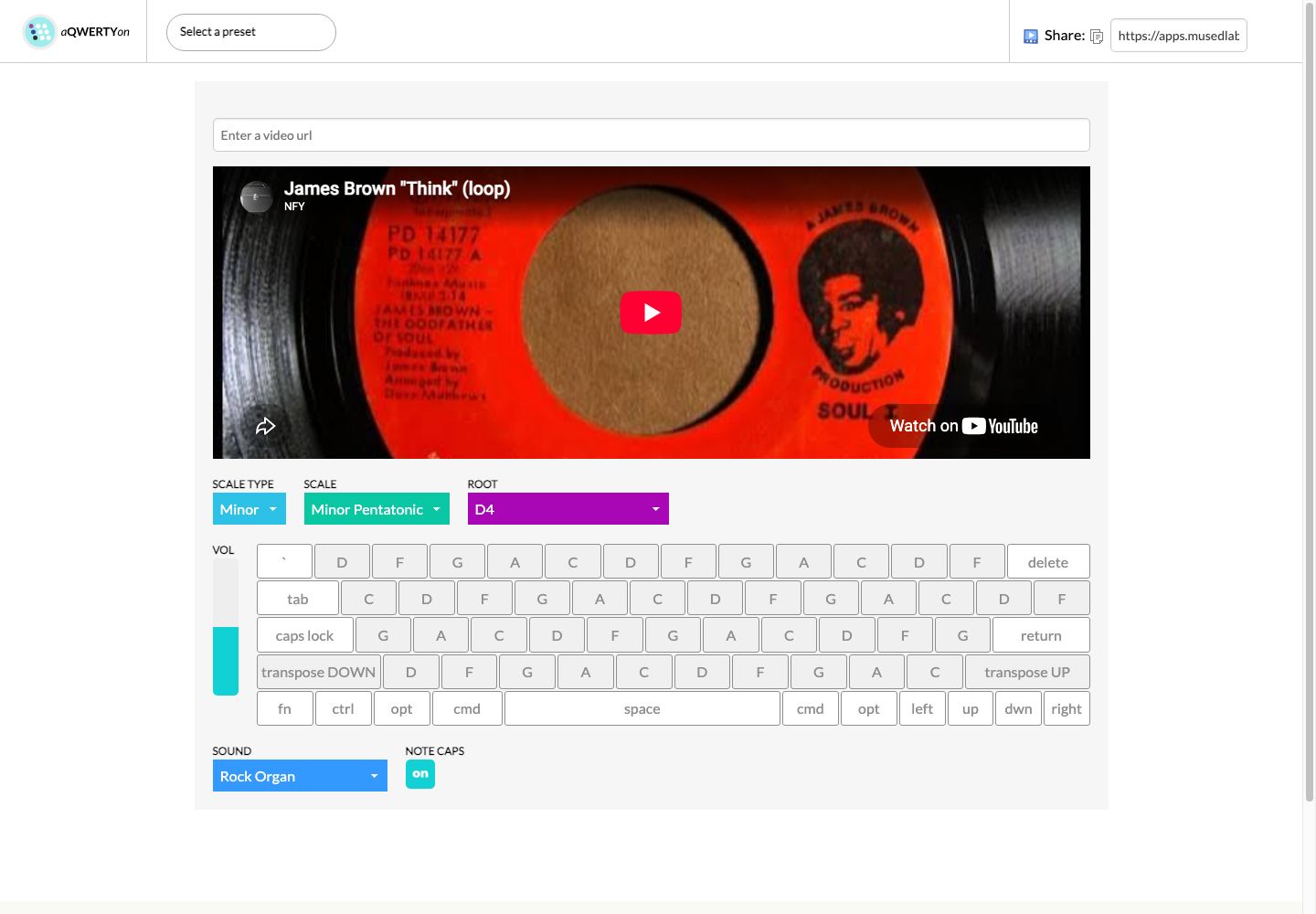
aQWERTYon maps scales and chords across a QWERTY keyboard, with built-in sounds and visual feedback. Use it for improvisation, classroom music-making and exploring musical relationships.
Start with the musical keyboard and explore its sounds.
Open the original instrument ↗Open the alternative theory interface.
Open Theory ↗A computer keyboard is the starting point for these activities. MIDI setup is optional; browser and device support varies.
Theory for Producers is a three-course series from Soundfly, created in partnership with NYU MusEDLab. Explore scales and modes through popular music and creative challenges, alongside your own keyboard experiments.
Start with The Black Keys, by Ethan Hein, which introduces pentatonic scales. Course enrollment and access are handled by Soundfly.
aQWERTYon supports Web MIDI API in Chrome-based browsers, allowing you to send MIDI output to other software instruments, digital audio workstations (DAWs), and web-based synths.
This means you can use your QWERTY keyboard to control GarageBand, Logic, Ableton Live, or online synths like Audiotool or Sampulator.
Explore these independently created tutorials, credited to their original creators and hosted on YouTube.
By Mr. Velez Virtual Music. About 4 minutes. An introduction to playing with aQWERTYon.
By Mr. Velez Virtual Music. About 5 minutes. A continuation using a different chord sequence.
You can browse without optional Google Analytics. Videos and other embeds load only when you click them.